
Help centre
Artisan Lane tutorials
Step-by-step video help for the Artisan Lane app and website. Choose where you are working, then find the task you need.
Video tutorials
Choose where you are working, then jump straight to the help you need.
 App
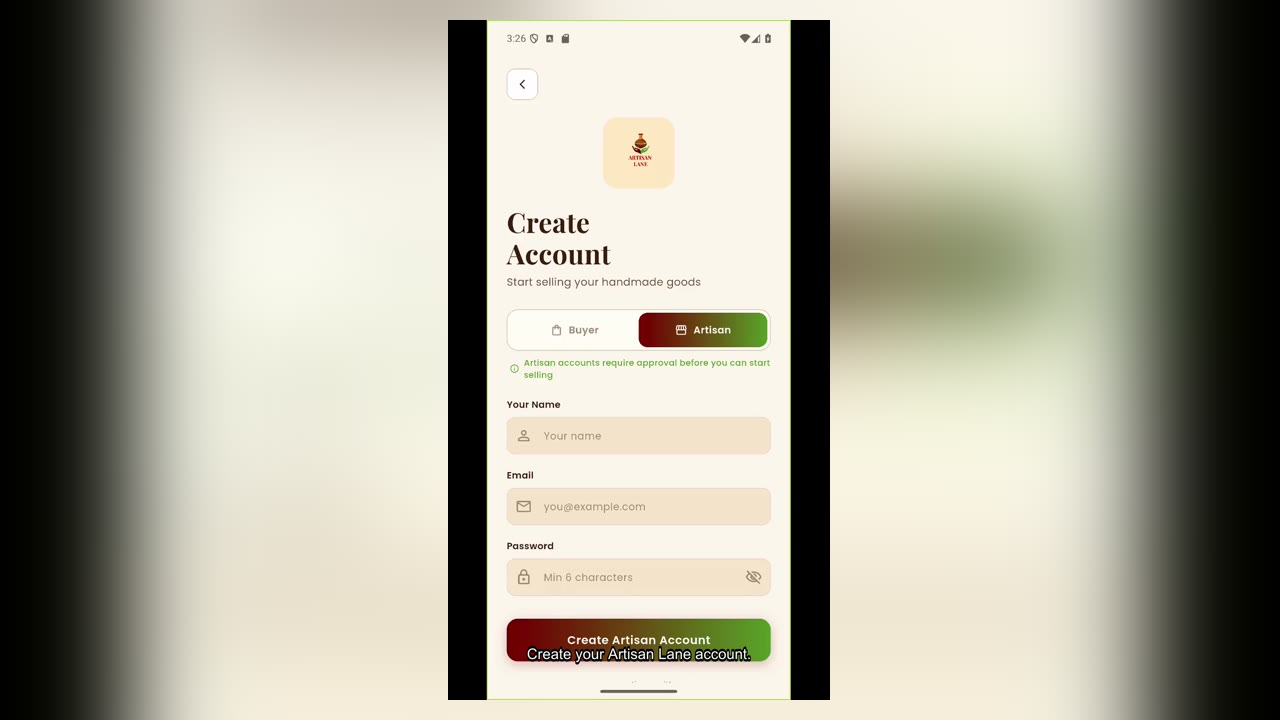
AppCreate your Artisan Lane account
Create your account and sign in to begin your artisan journey.
 App
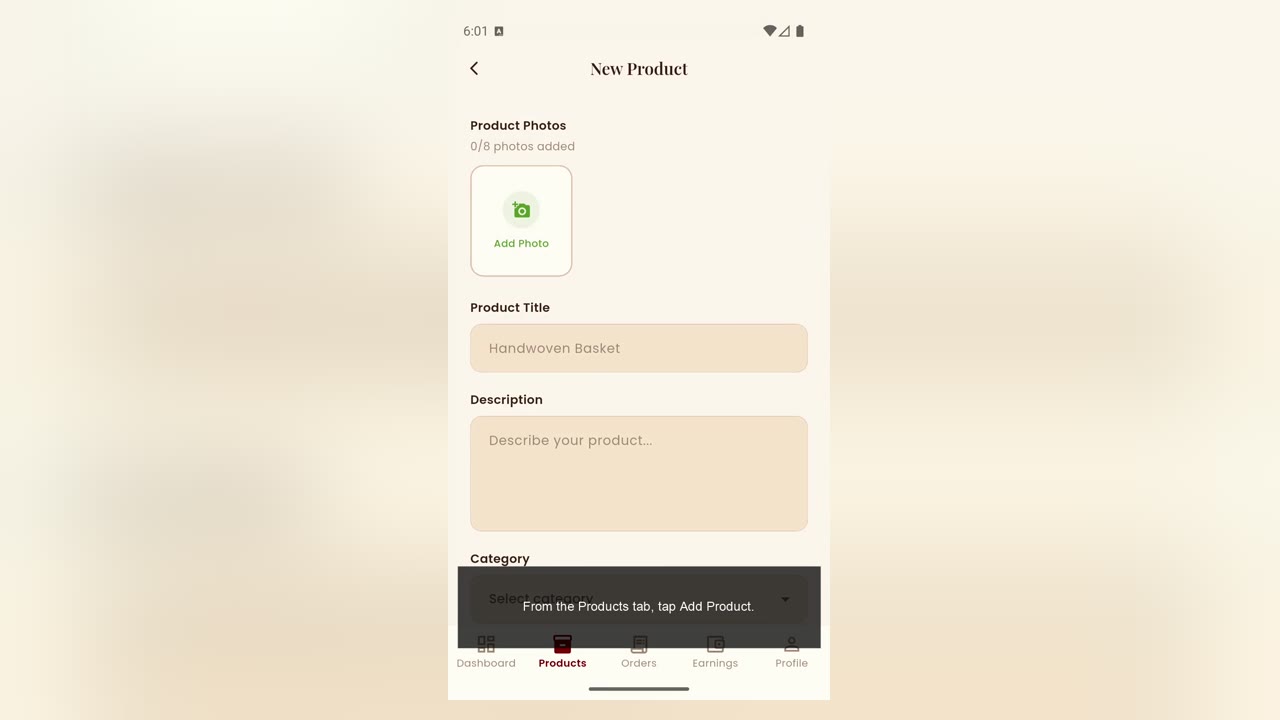
AppCreate a simple product
Add a straightforward product listing from start to finish.
 App
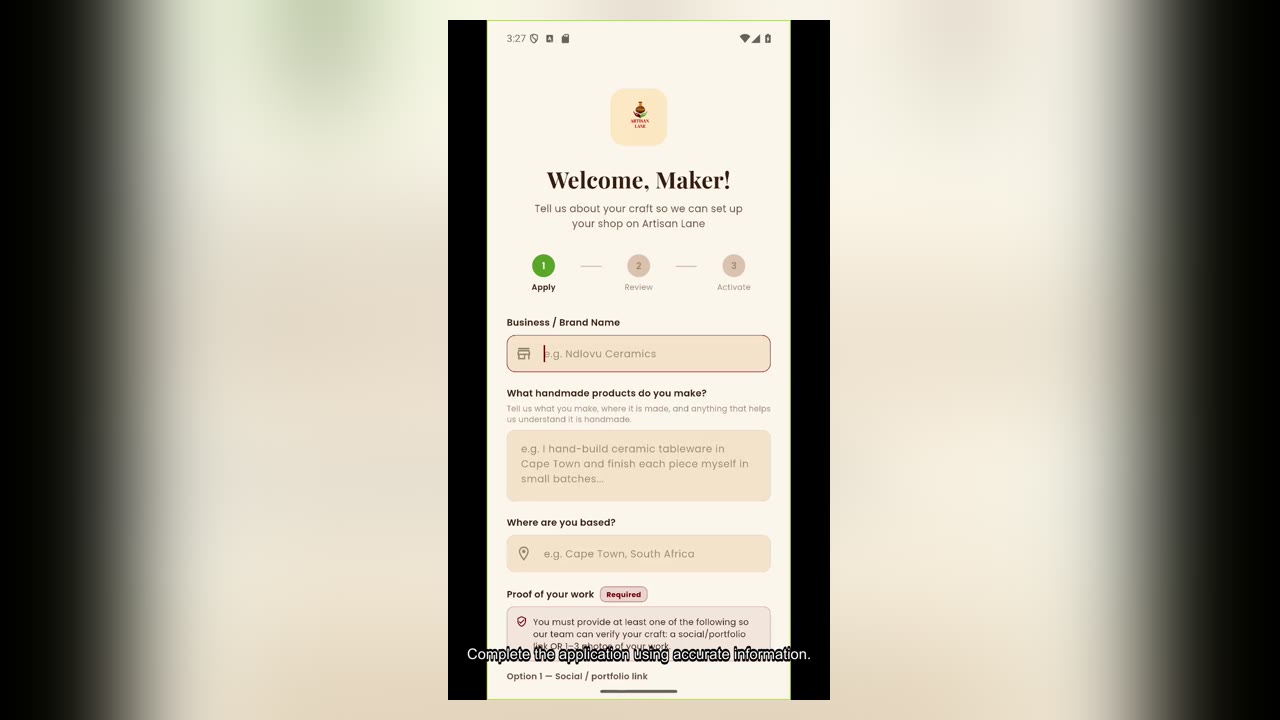
AppApply to become an artisan
Complete and submit your artisan application for review.
 App
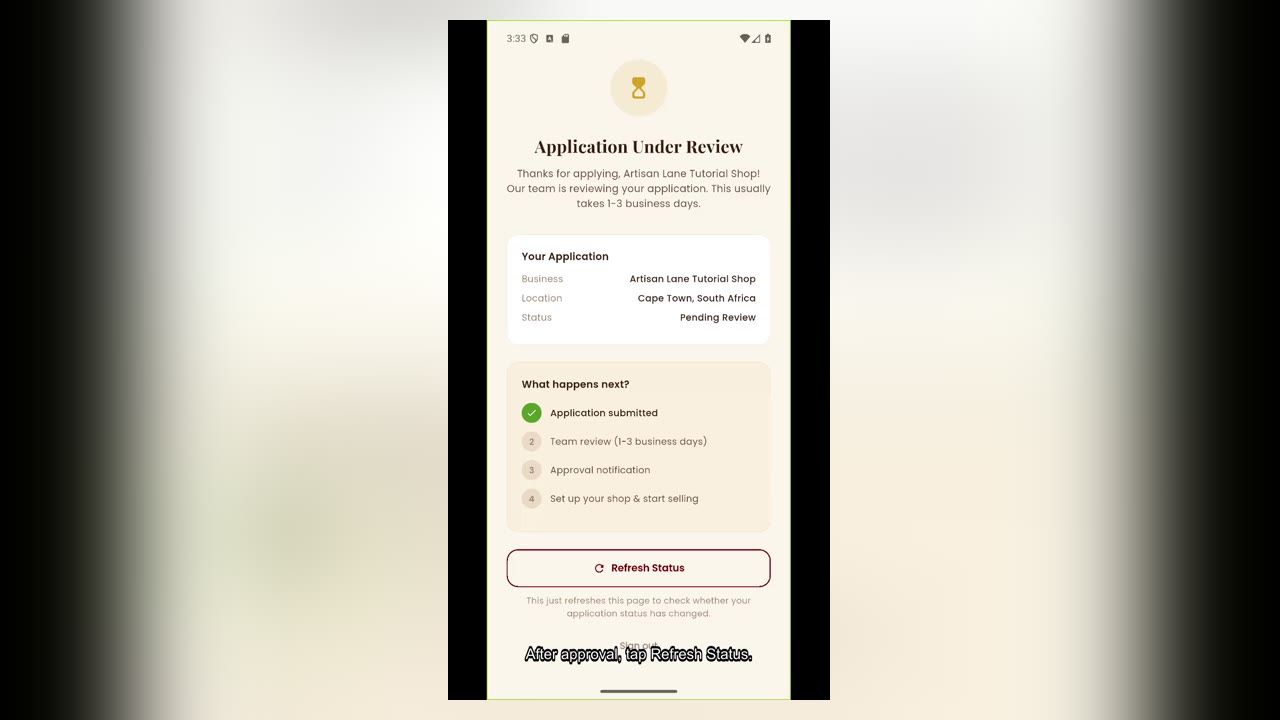
AppWhat happens after artisan approval
See what becomes available once your artisan application is approved.
 App
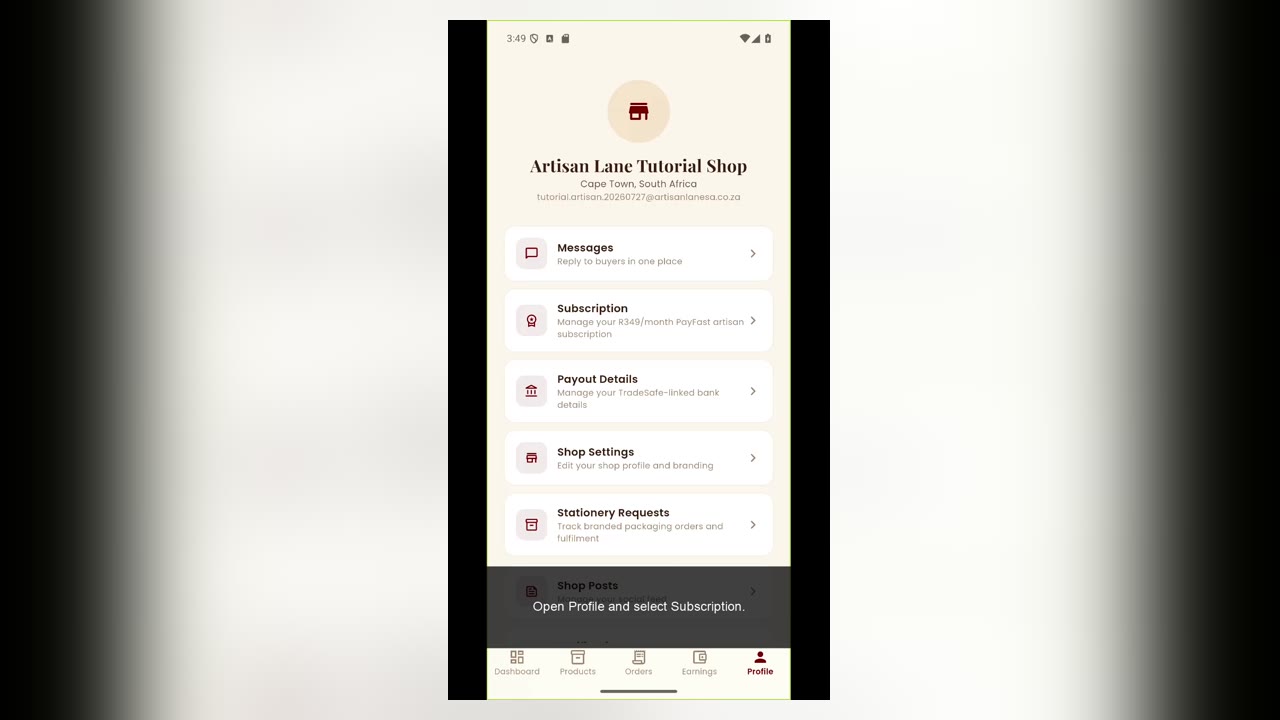
AppStart your artisan subscription
Activate your artisan subscription and unlock your selling tools.
 App
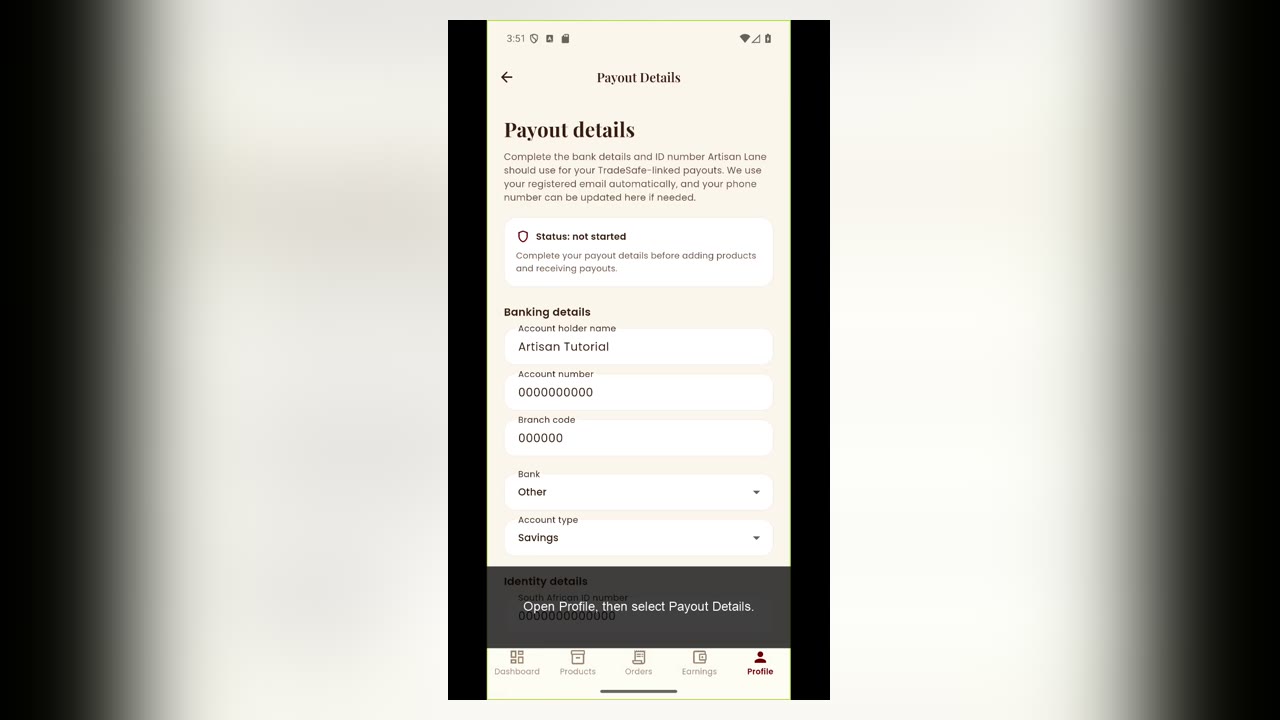
AppComplete your payout details
Add the payout information needed to receive your earnings.
 App
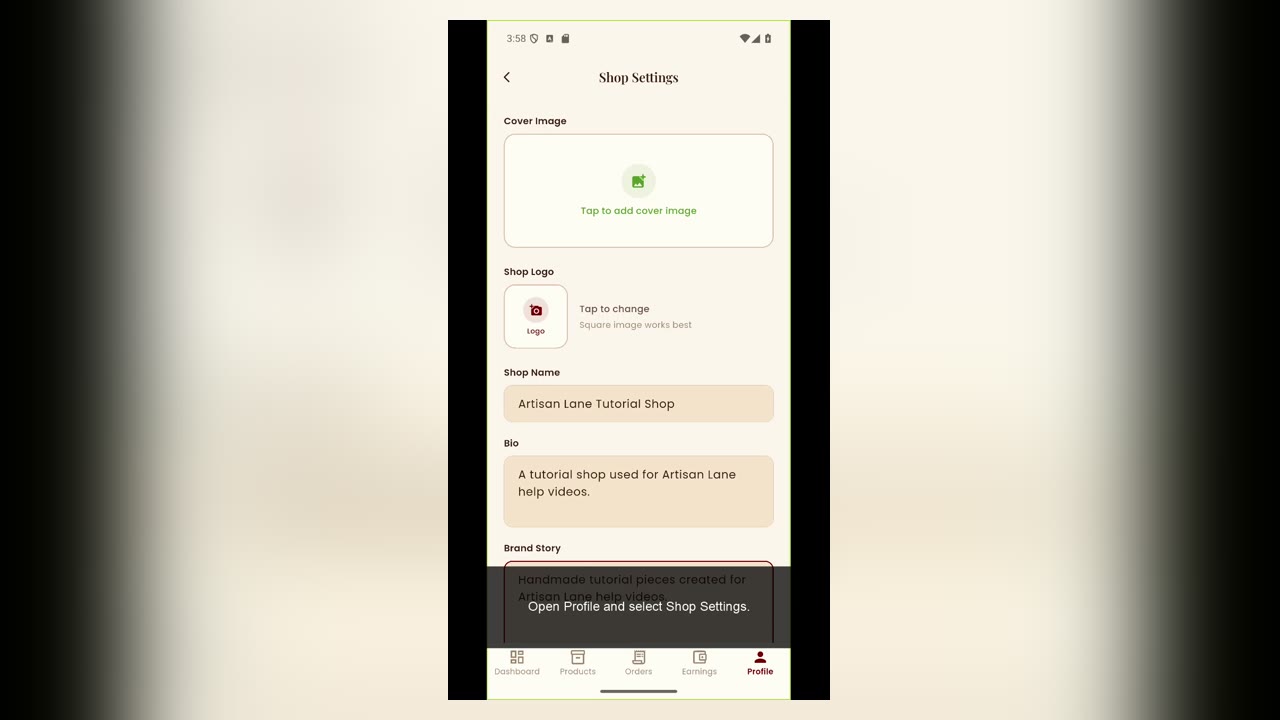
AppSet up your artisan shop
Create your shop profile and prepare it for buyers.
 App
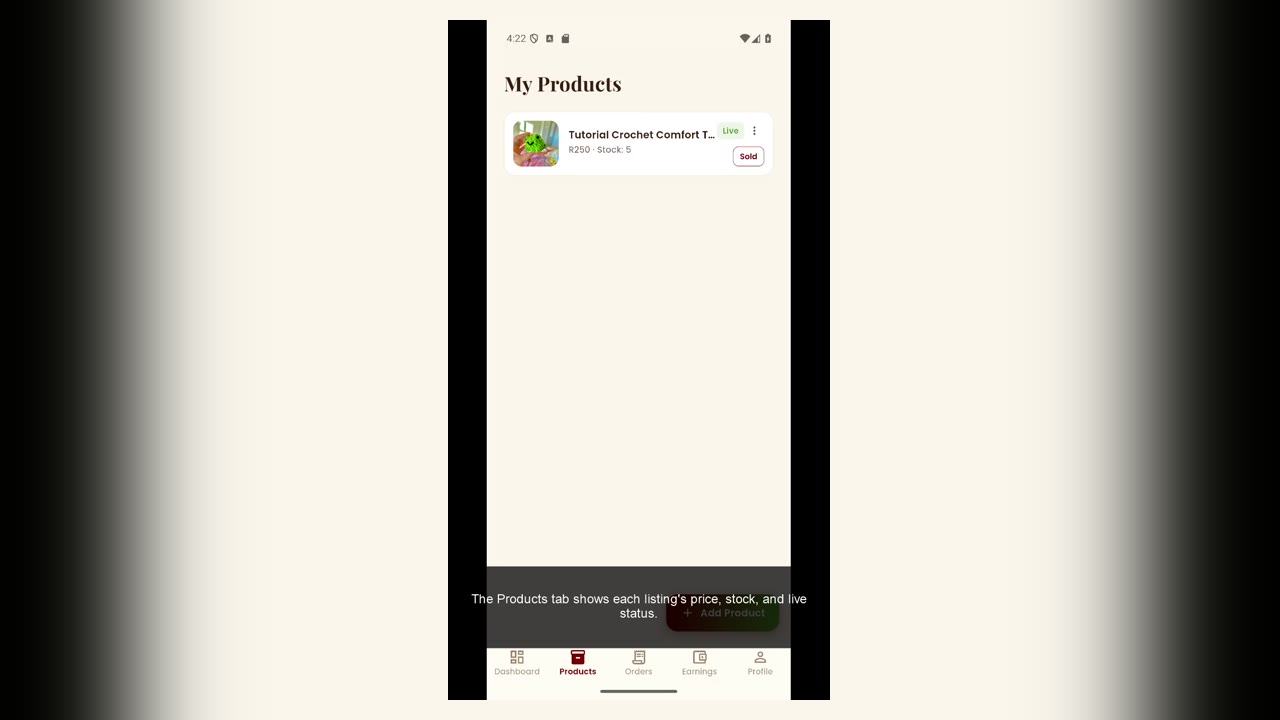
AppManage product stock
Keep your available product quantities accurate.
 App
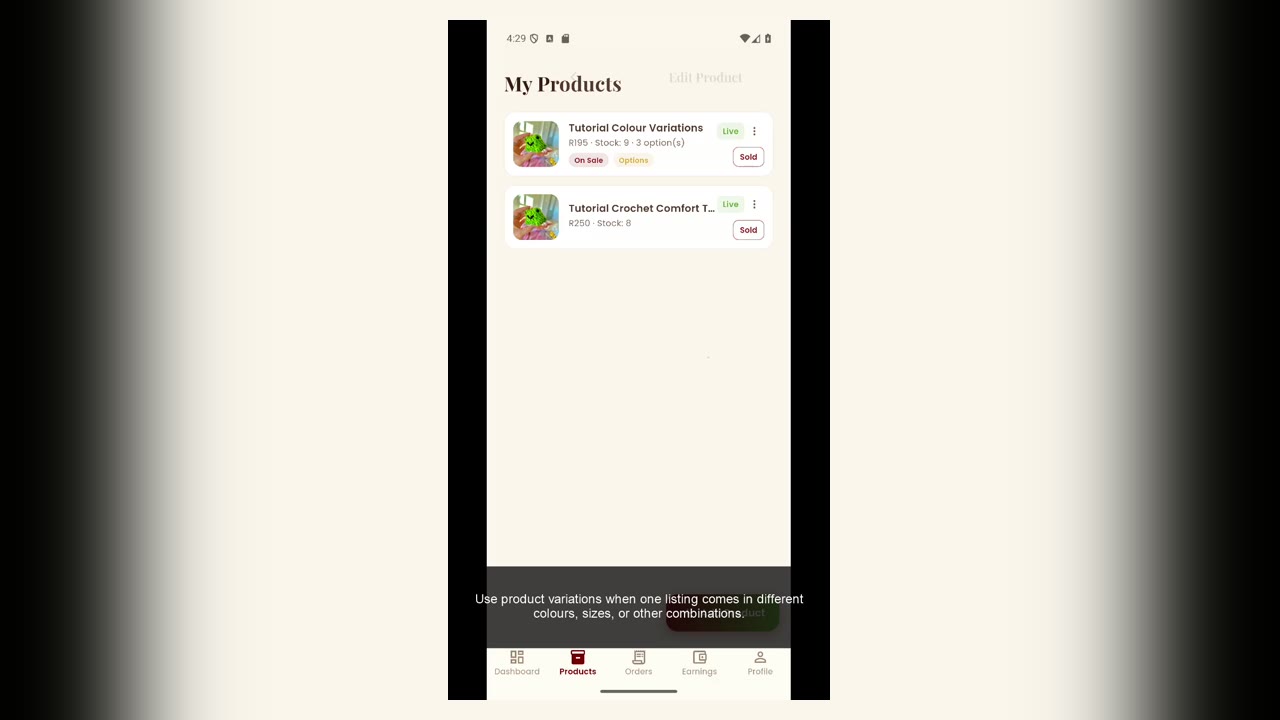
AppCreate product variations
Add sizes, colours, prices, stock and photos for product options.
 App
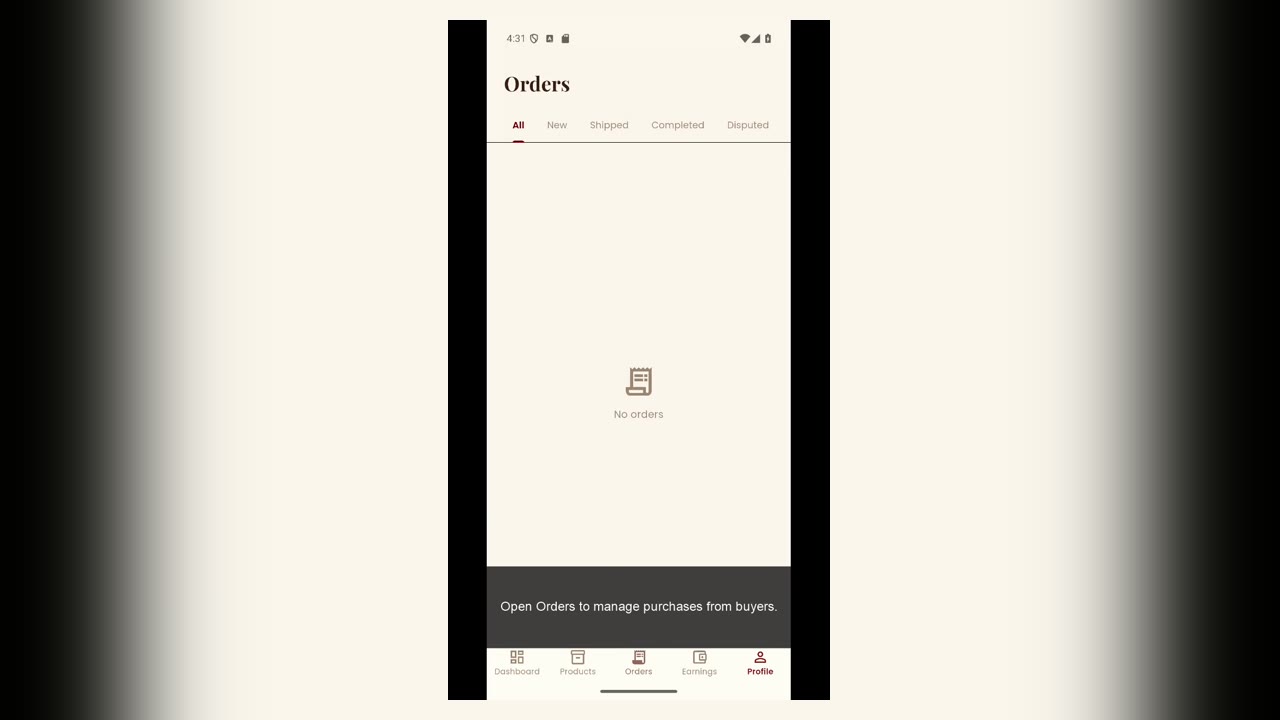
AppUnderstand orders and earnings
Find your orders and see how sales flow into earnings.
 App
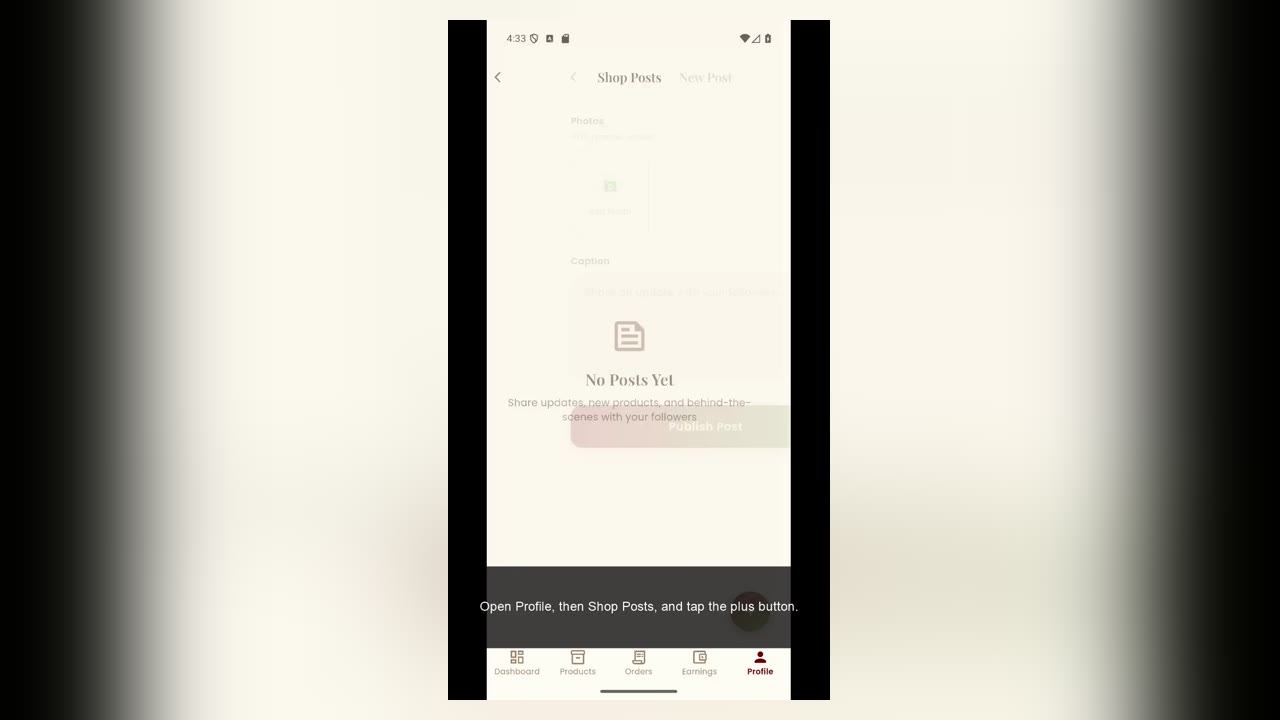
AppCreate a shop post
Share an update with buyers who discover or follow your shop.
 App
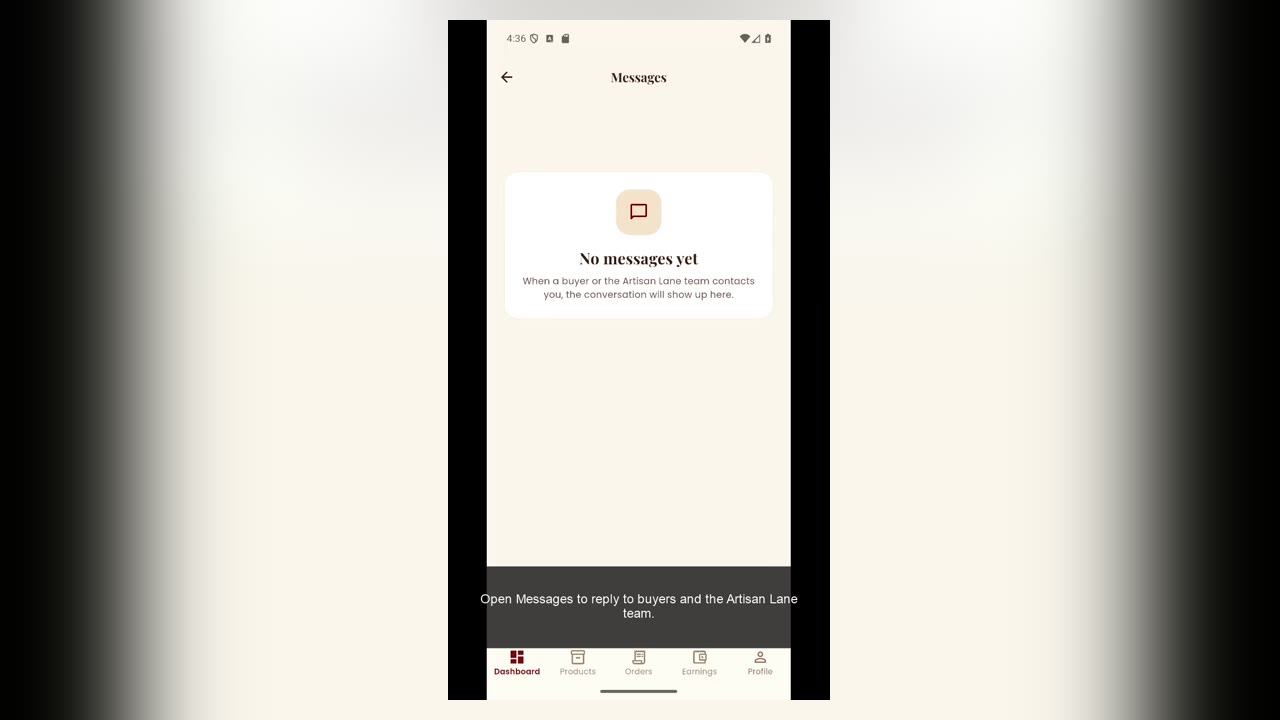
AppMessages, notifications and settings
Find your artisan communication and account controls.
 App
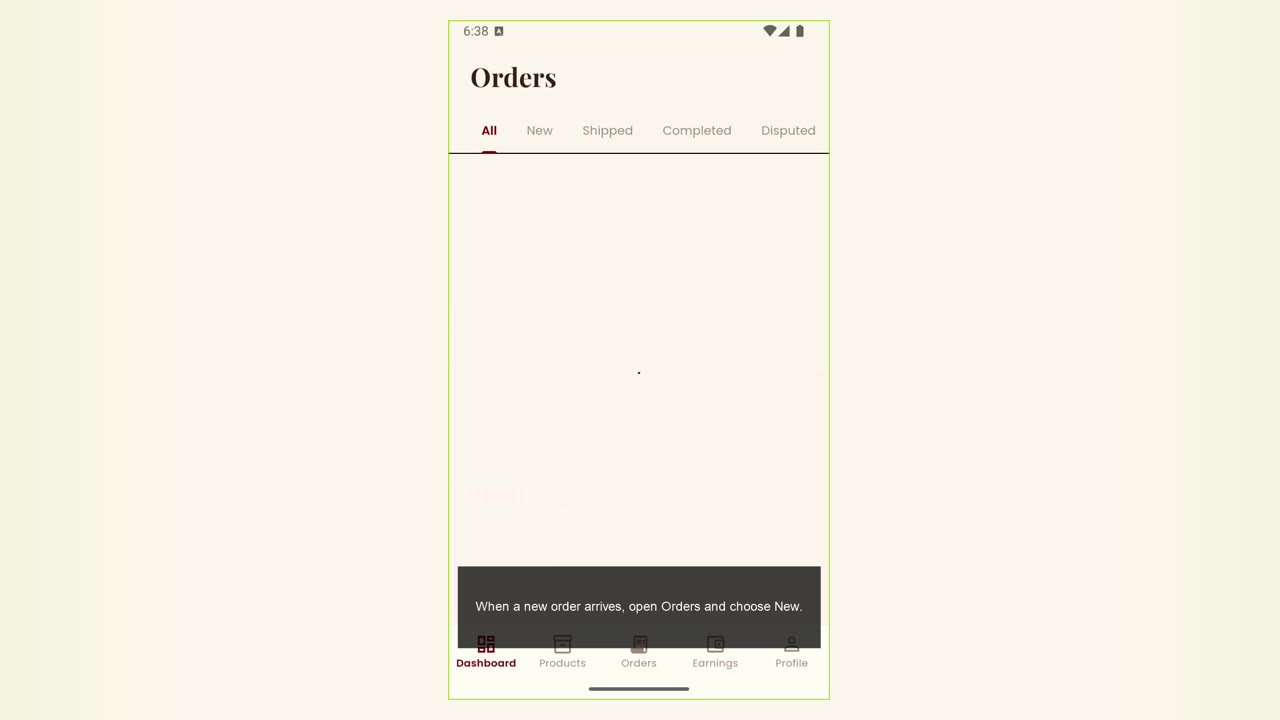
AppReceive and review a new order
Open a new order and check its items, buyer and delivery details.
 App
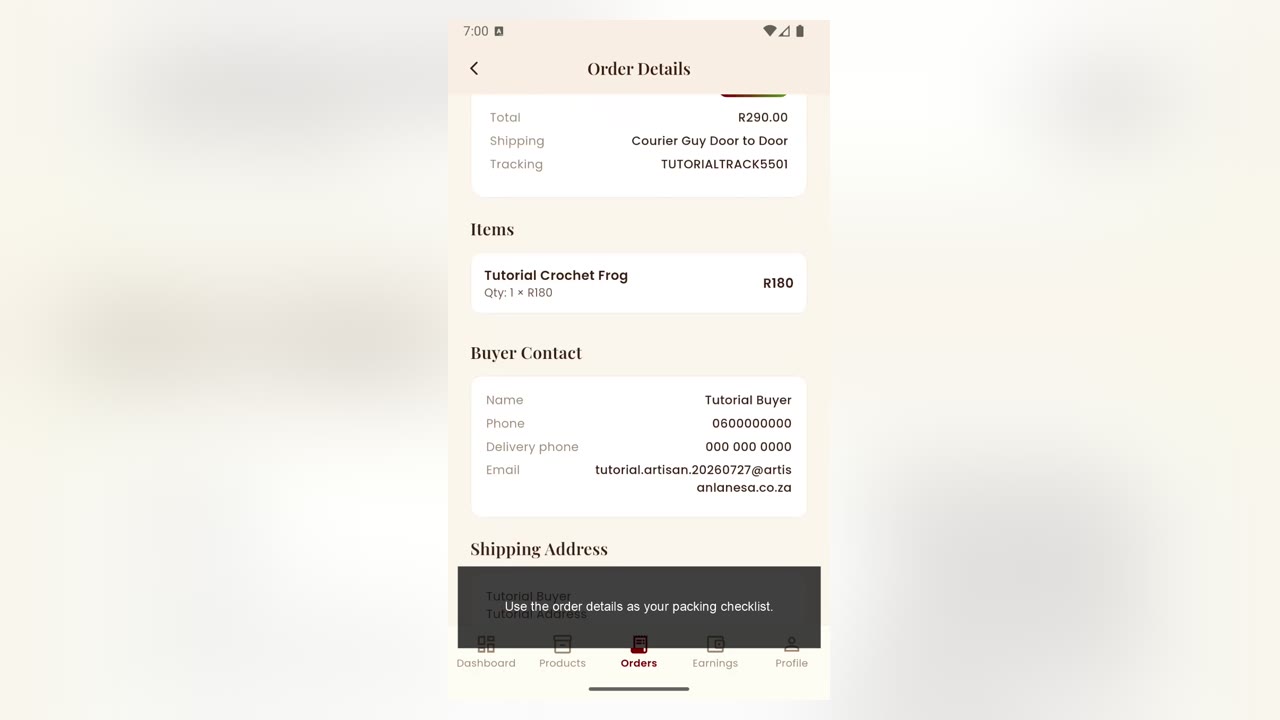
AppPrepare and pack an order
Use the order details to prepare the correct item for delivery.
 App
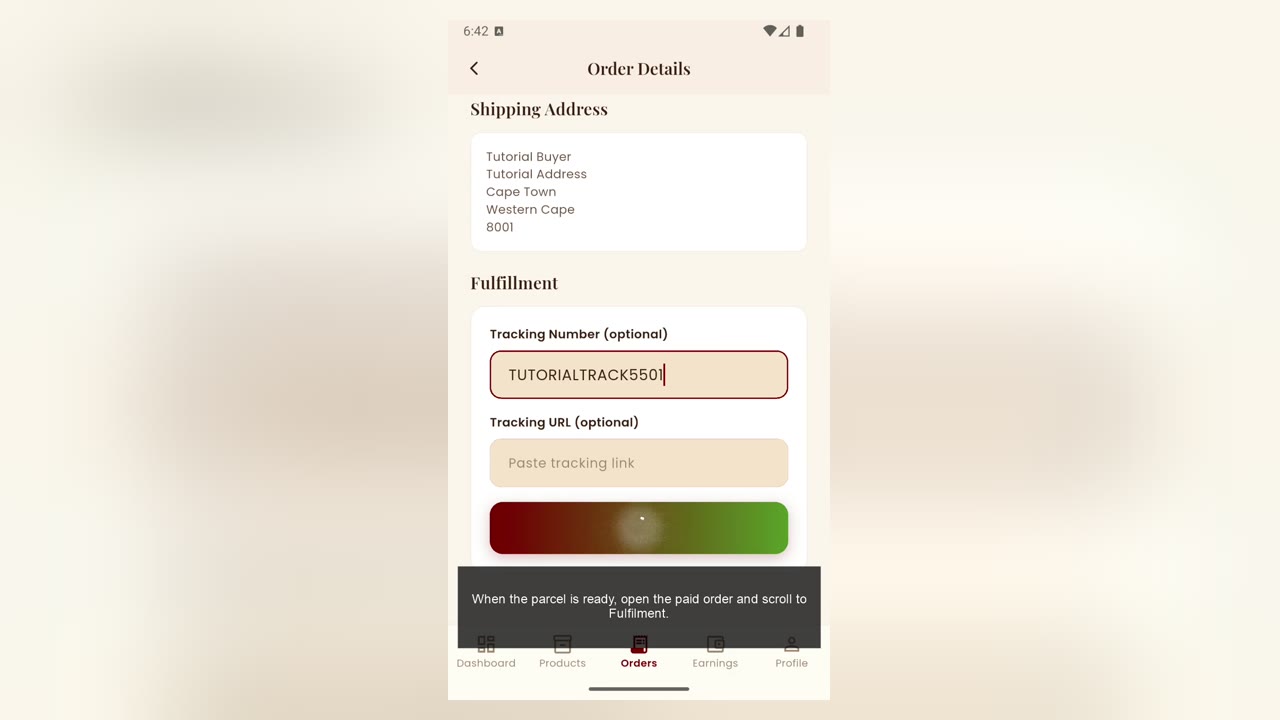
AppDispatch an order and add tracking
Mark an order as dispatched and record its tracking information.
 App
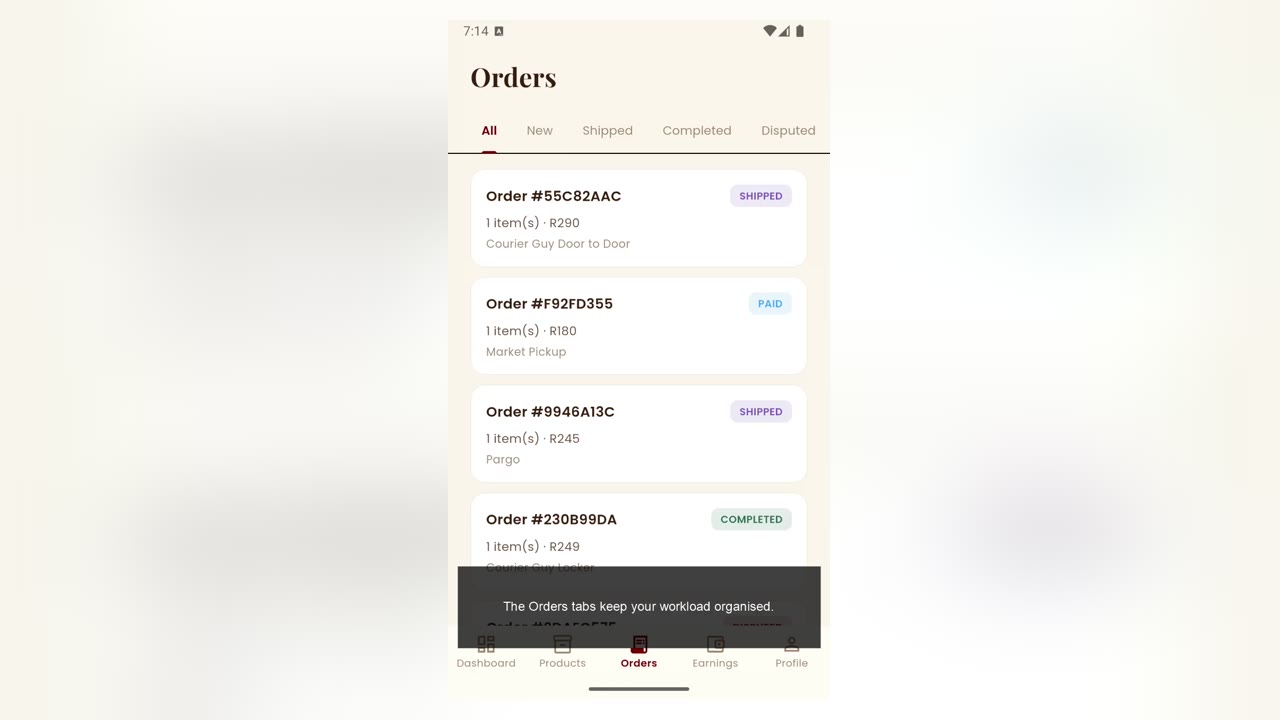
AppUnderstand order statuses
Use the order tabs to follow every sale through fulfilment.
 App
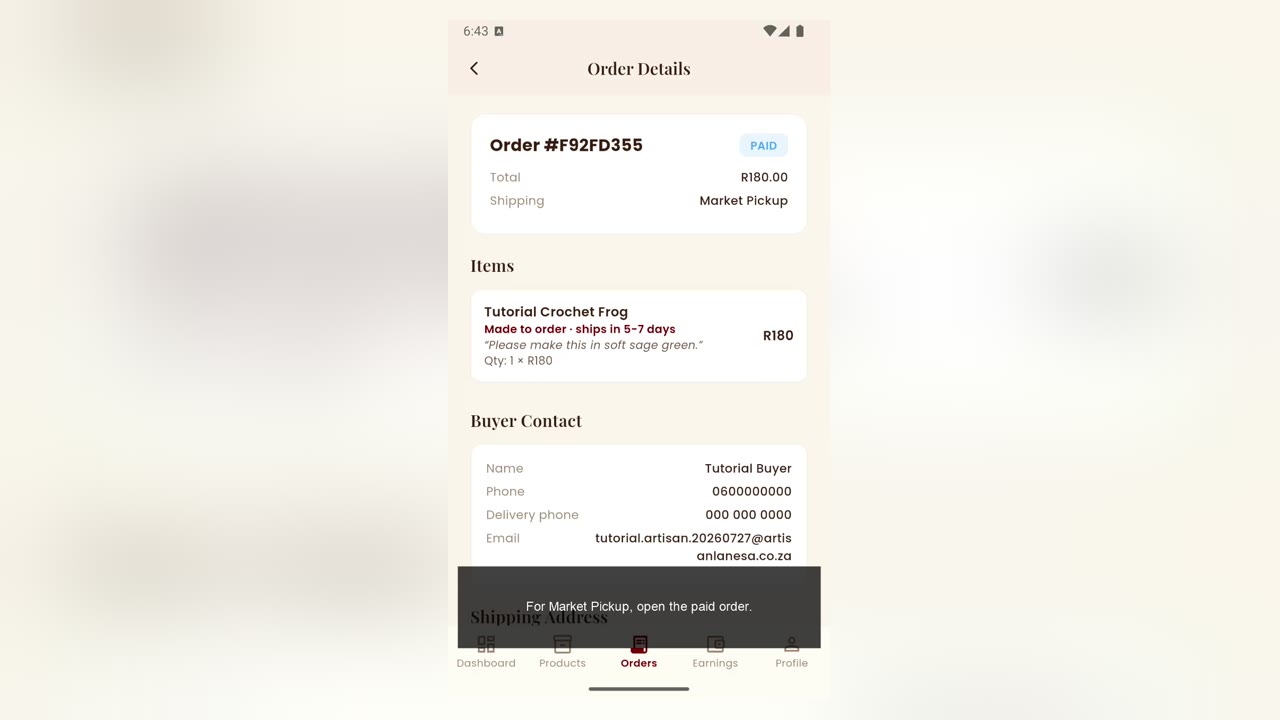
AppHandle a market pickup order
Review pickup instructions and coordinate collection with the buyer.
 App
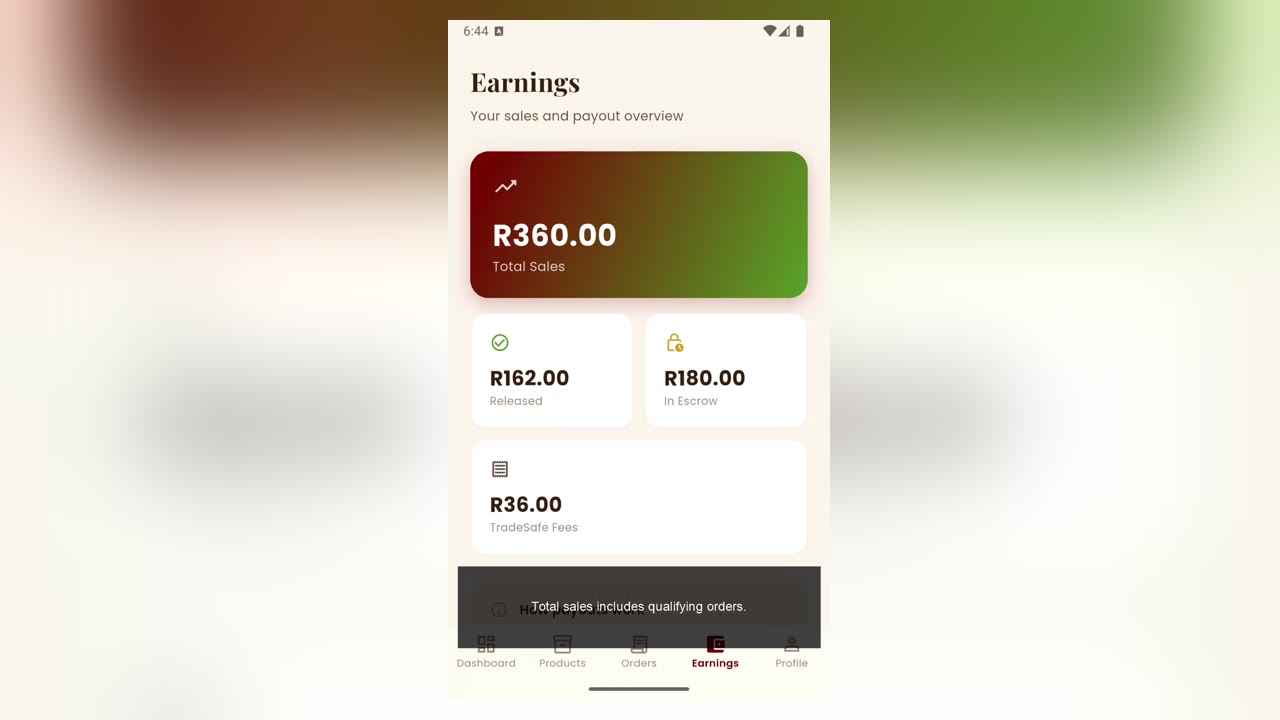
AppEarnings and payout timing
Understand available, pending and paid artisan earnings.
 App
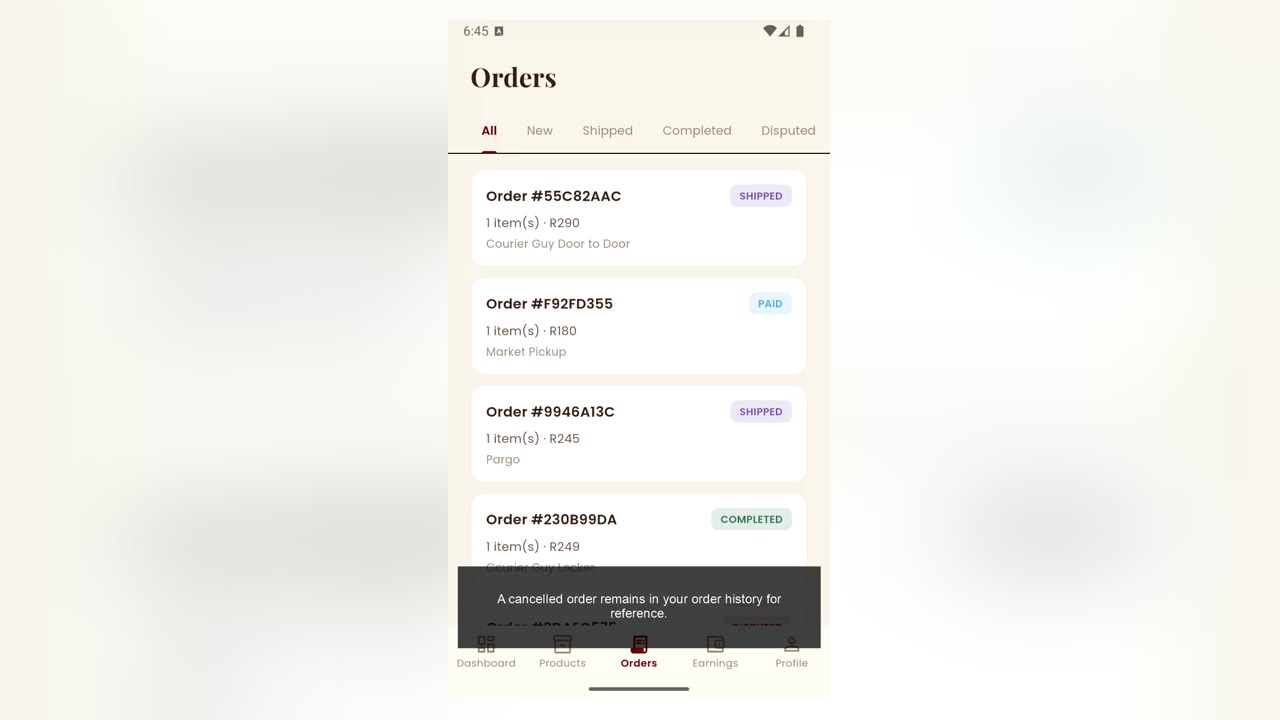
AppCancelled orders and refunds
See where cancelled orders appear and how refunds are handled.
 App
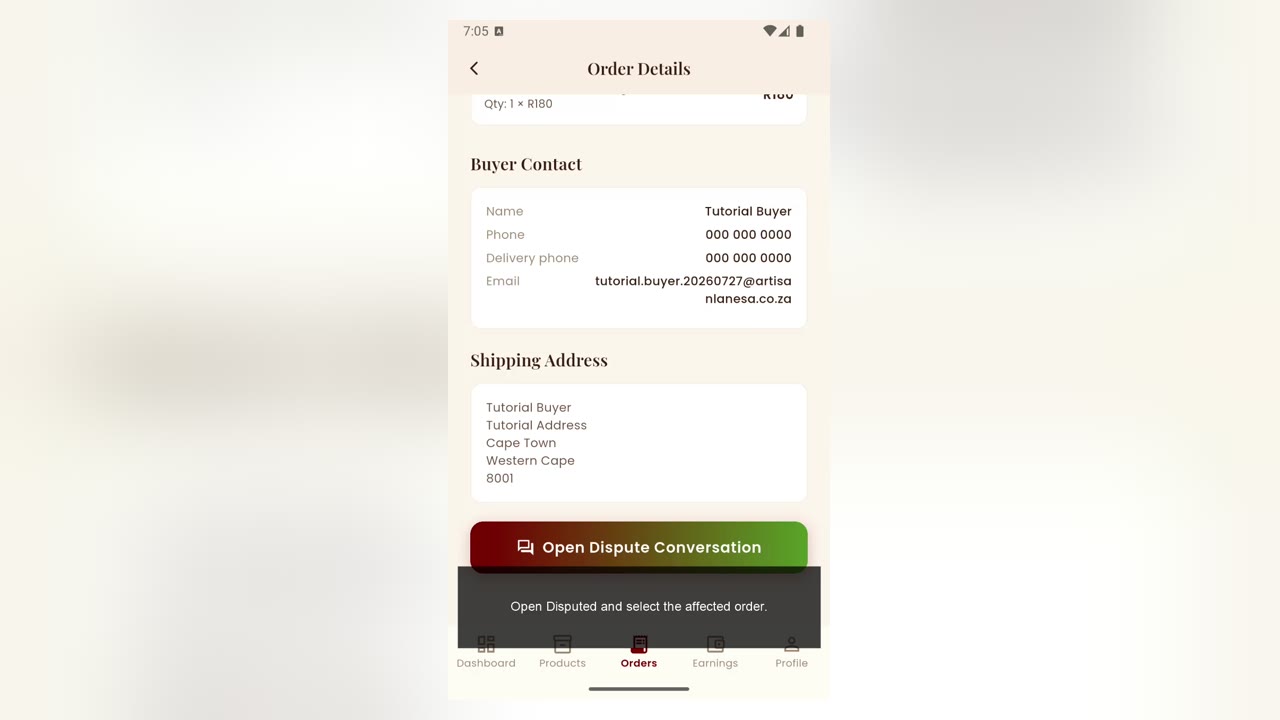
AppHandle an order dispute
Open the dispute conversation and respond clearly with relevant information.
 App
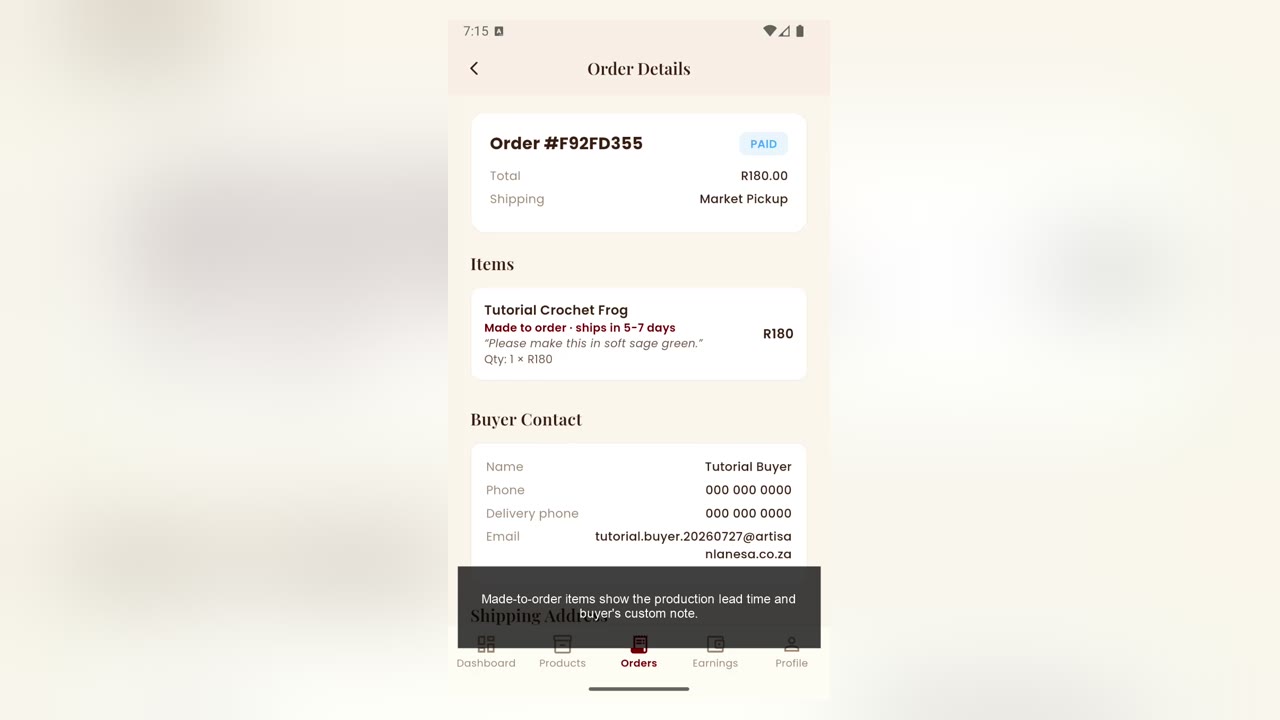
AppFulfil a made-to-order product
Check the lead time and keep the buyer informed while making their item.
 App
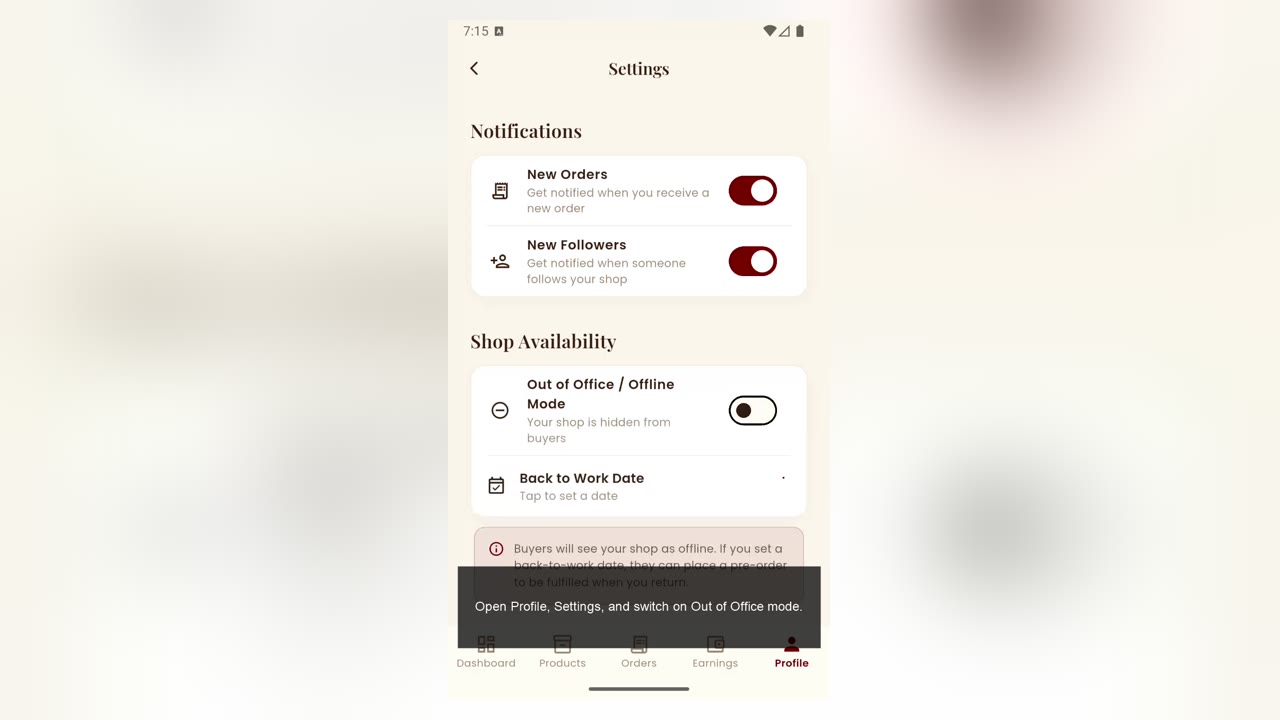
AppUse out-of-office mode
Pause new orders temporarily without removing your shop.
 App
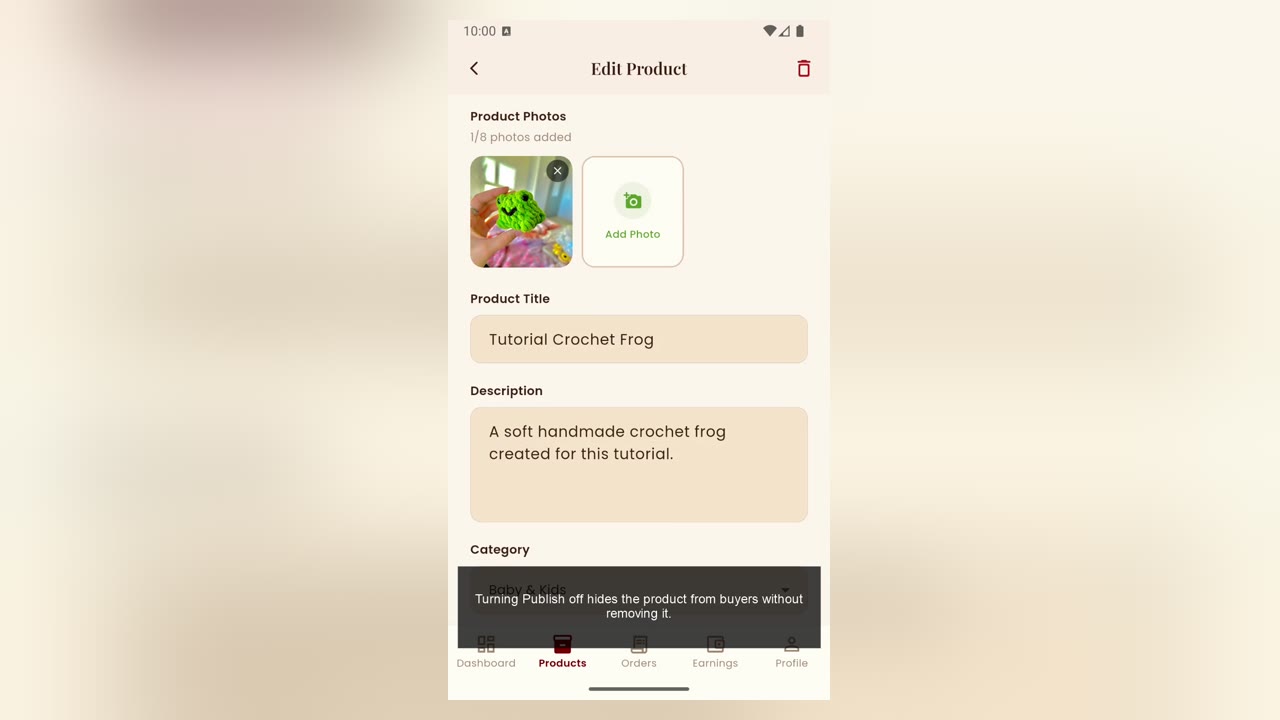
AppEdit, unpublish or delete a product
Choose the correct way to update or remove a listing.
 App
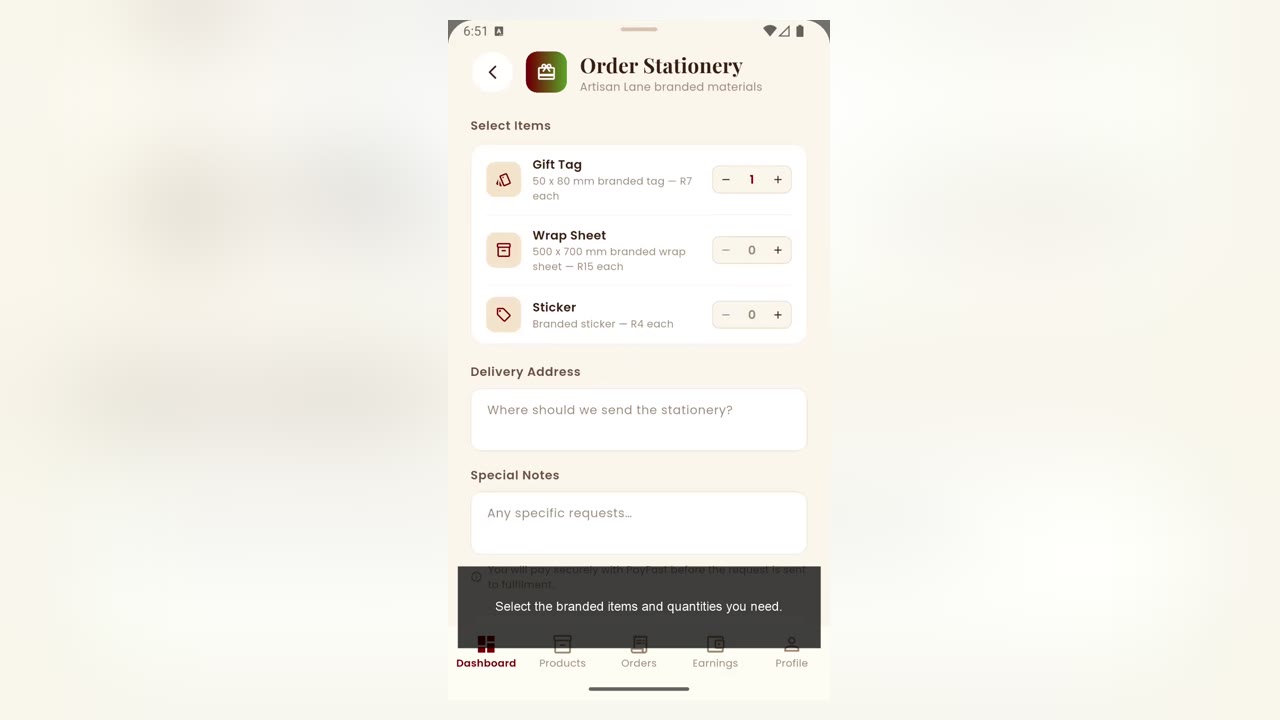
AppOrder and track Artisan Lane stationery
Request branded stationery and follow its delivery progress.